
This guide explains how to export list views from the Cloudaware CMDB in .csv format.
-
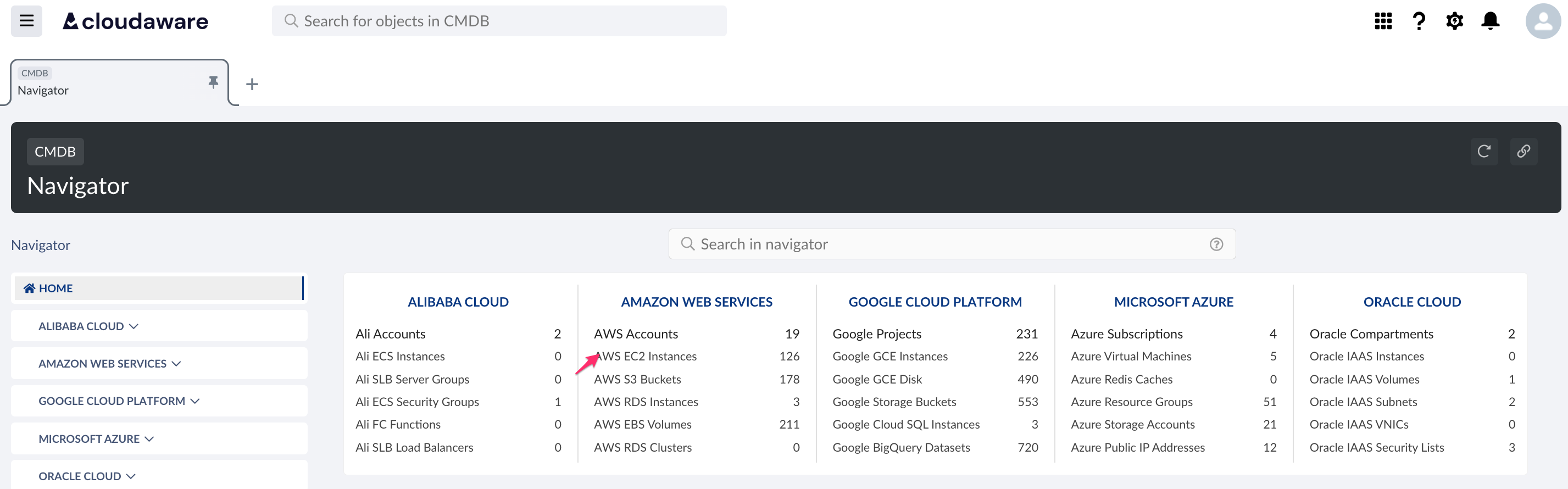
Log in to the Cloudaware account. From CMDB Navigator select the object, e.g. AWS EC2 Instances.
-
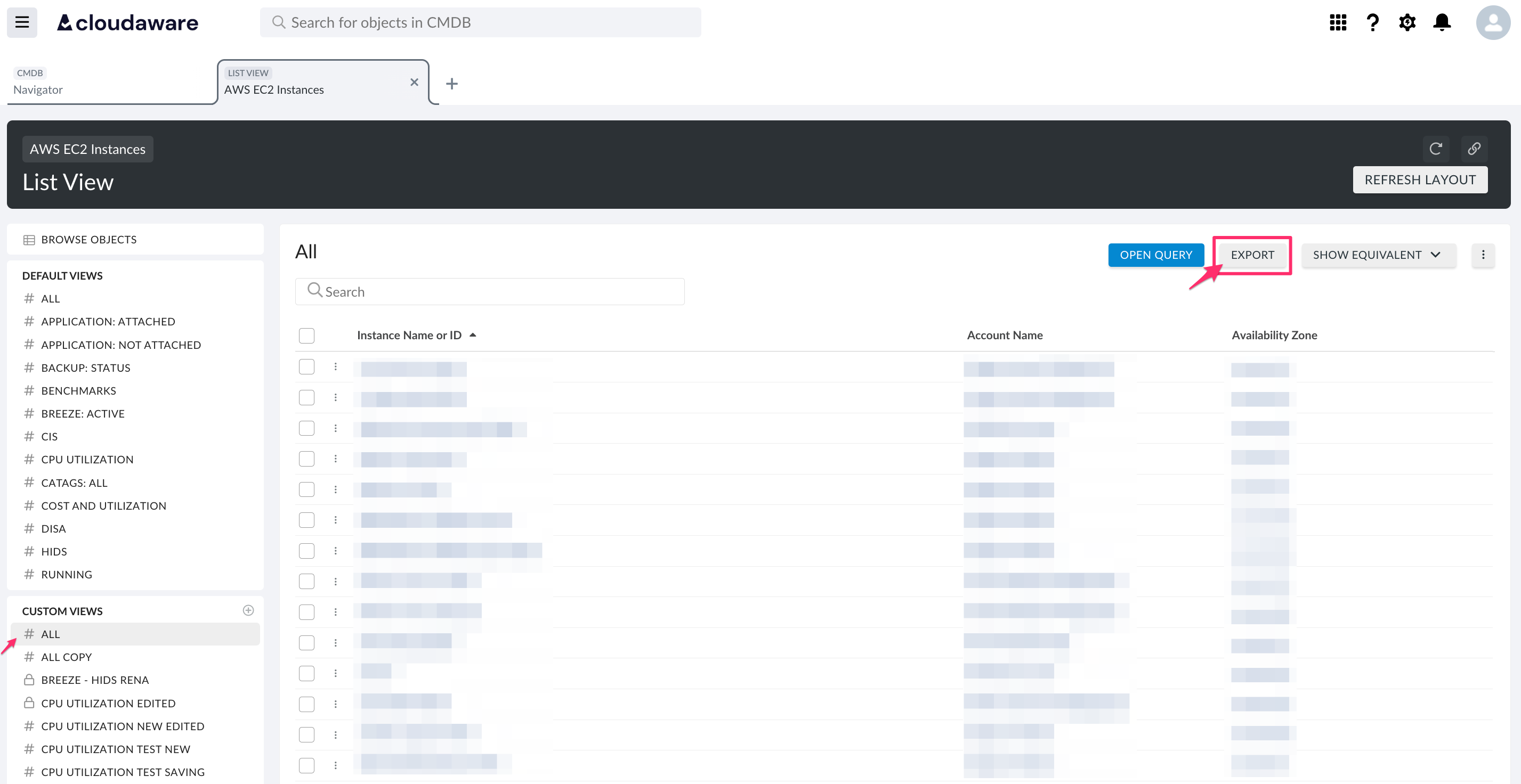
Select the list view from the list to open it → click EXPORT.
-
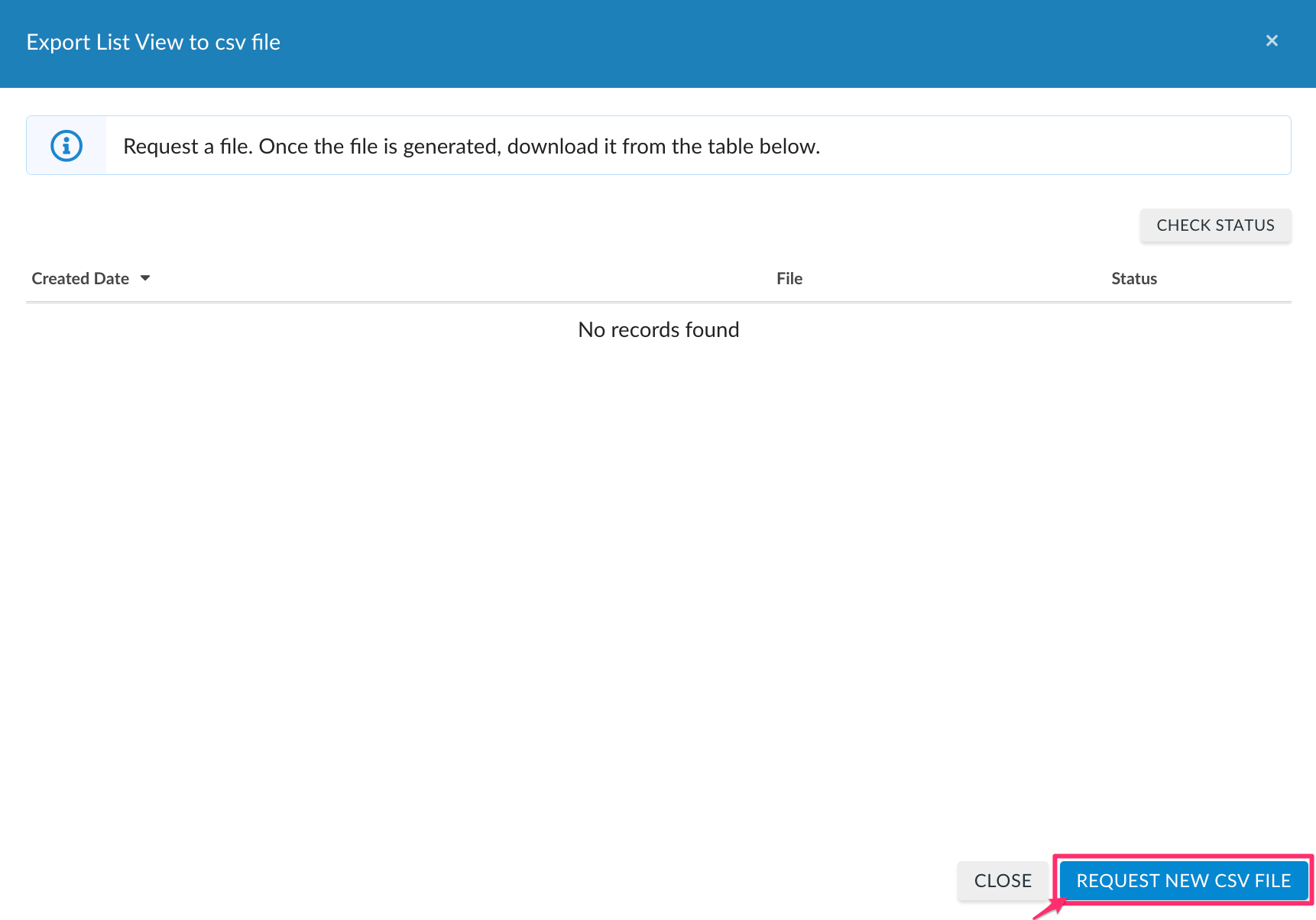
Click REQUEST NEW CSV FILE to start the file generation.
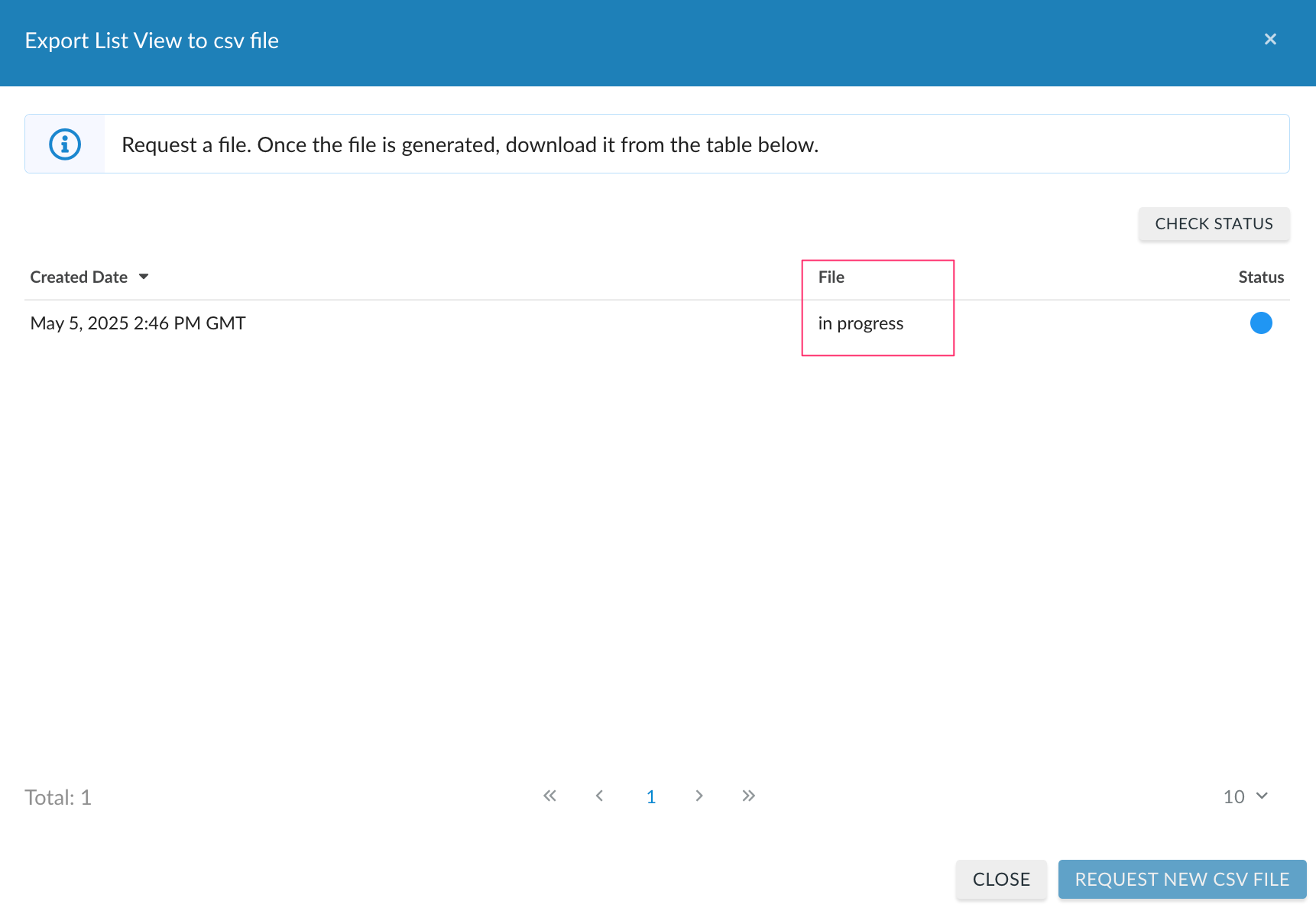
Allow Cloudaware a few minutes to generate a file. Click CHECK STATUS to refresh the page.
-
Once the file is generated and is listed in the table, click Download.
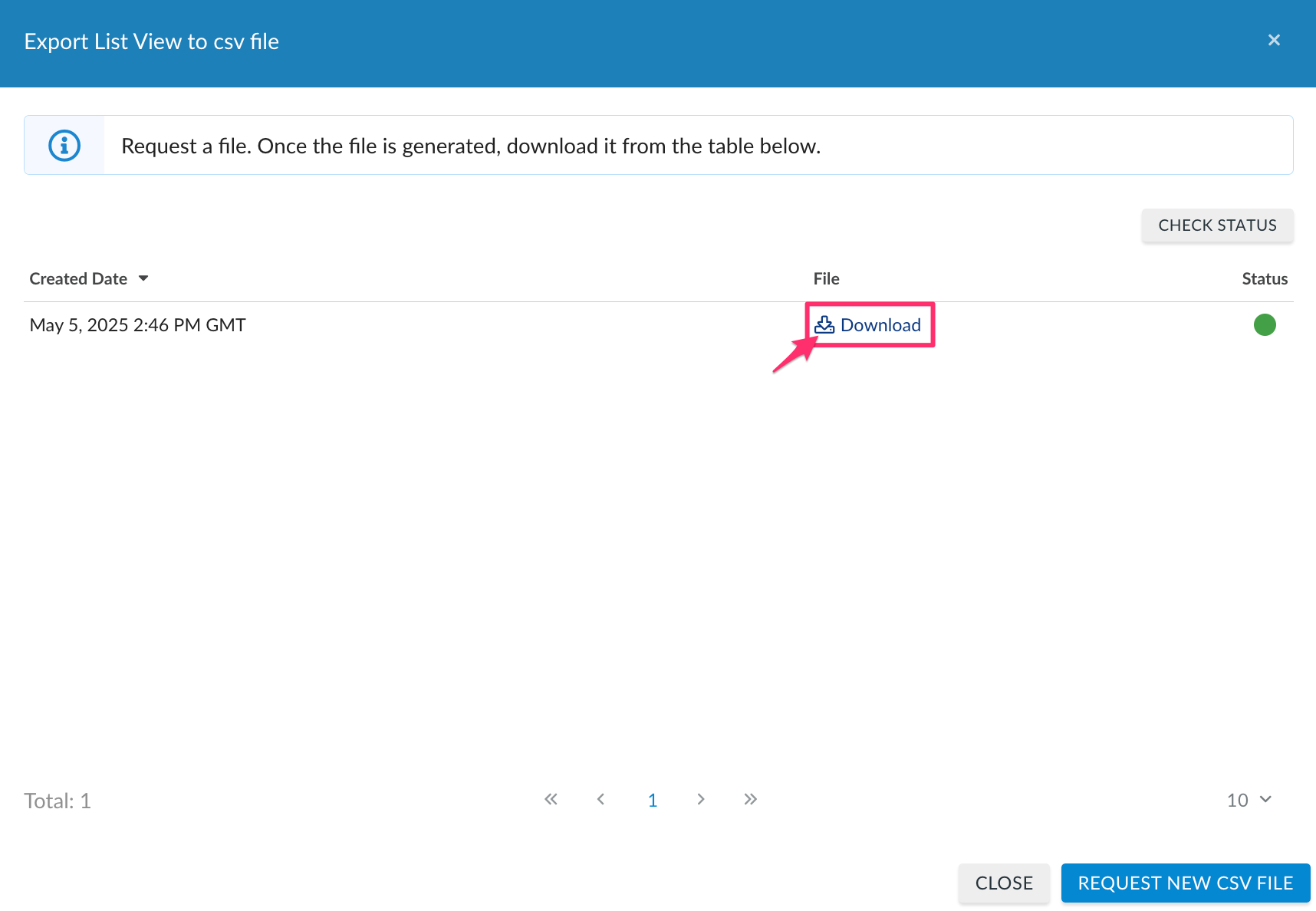
The history of all downloads will be listed in the table.