
AlientVault OTX

AlienVault Open Threat Exchange (OTX) is open, crowd-sourced threat intelligence sharing and collaboration platform. This guide explains how to add AlienVault OTX integration to Cloudaware.
 To see how Cloudaware seamlessly integrates with AlienVault OTX in action, request a demo.
Add the AlientVault API Key
Log in to Cloudaware → Admin.
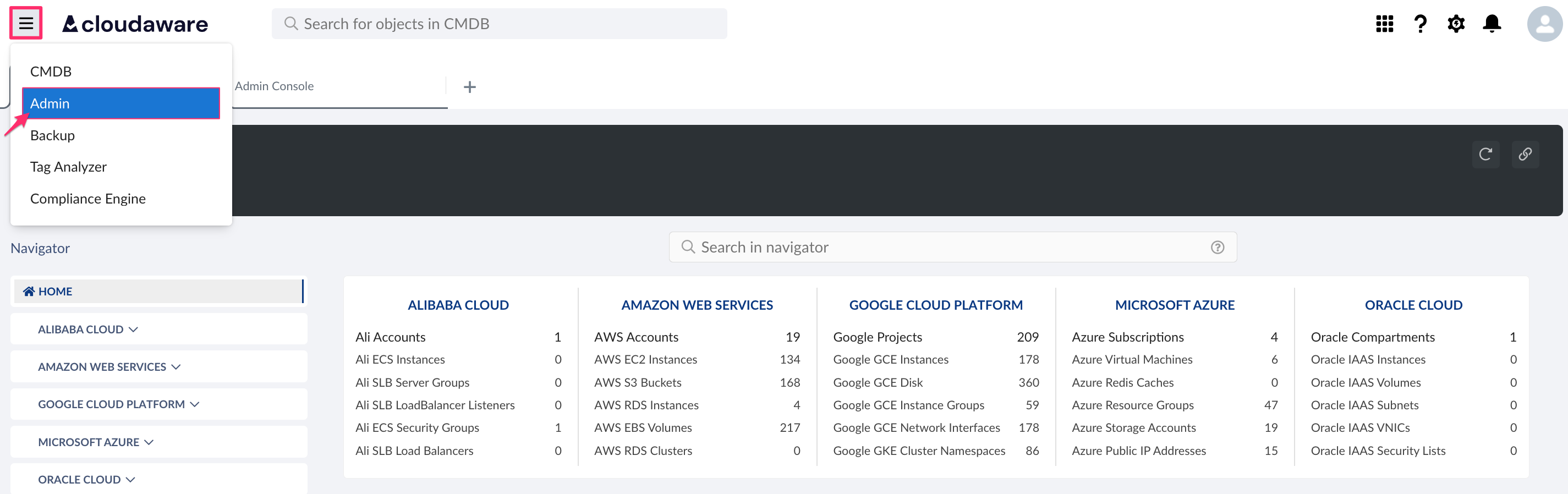
Find AlienVault OTX in Security integrations. Click +ADD.

Fill out the form:
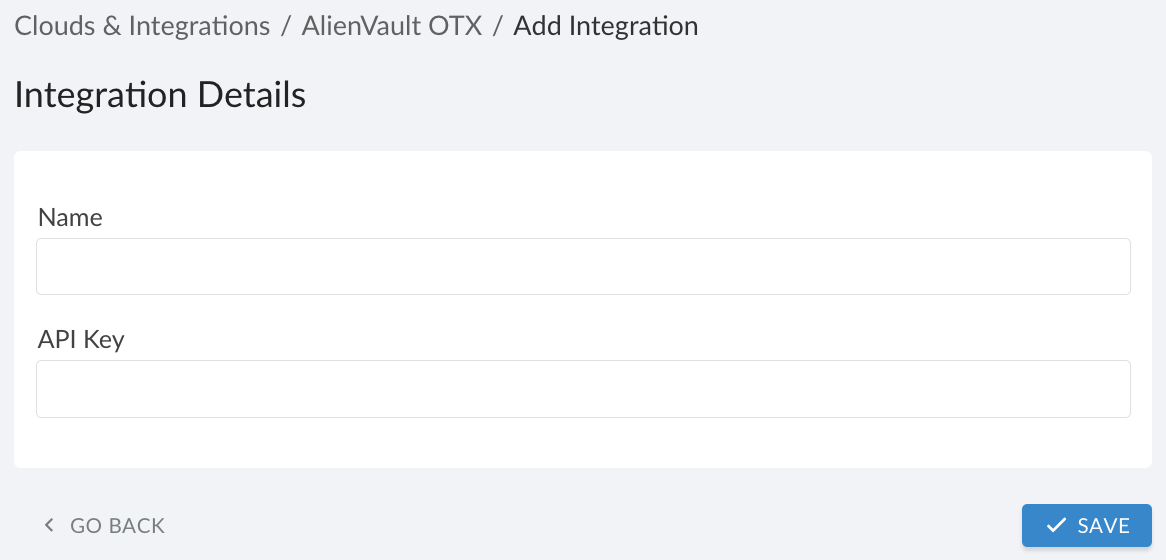
WHERE
Name – a descriptive name for this integration
API Key – the API key (to locate, in your AlienVault OTX account → Settings → API Key or API Integration section)
Click SAVE.A green light in the ‘Status’ column indicates successful configuration. If the light is red, contact support@cloudaware.com.

Next steps
This integration stores AlienVault OTX authentication parameters used to stream threat intelligence logs to Cloudaware Log Management (Conflux).